
Microsoft 365 Support in North Carolina
Help with Microsoft 365 migrations, email, account security and everyday administration.
When an employee cannot sign in, a customer email goes missing, or a project file is shared with the wrong person, work stops while someone looks for an answer.
Computerbilities helps North Carolina businesses make Microsoft 365 easier to use and manage. From our Cary office, we support teams in Raleigh, Cary and Durham, with a focus on construction, engineering, architecture and related businesses.
We can help define a migration project, resolve covered email and access issues, or manage your environment alongside your internal IT team. Scope, licensing and support hours are agreed before work begins.
Compare our IT support plans or tell us what is getting in the way.
Request a free 15-minute IT Priorities Call
We will email to arrange a time. After the call, receive a brief written summary of up to three priorities or questions to investigate and a recommended next step.
No cost. No obligation to purchase. No system access required. Testing and detailed assessments are separately scoped.
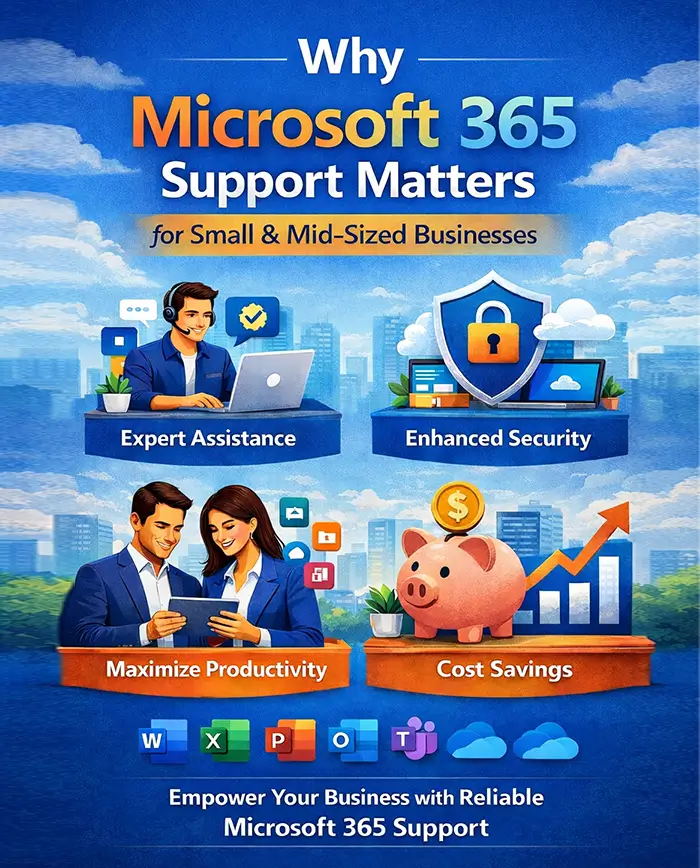
Why Microsoft 365 Support Matters for Small & Mid-Sized Businesses
Common tools we help businesses administer:
Available applications and security features depend on your Microsoft subscriptions and configuration.
- Outlook & Exchange Online
- Microsoft Teams
- SharePoint
- OneDrive
- Word, Excel, PowerPoint
- Defender security suite
- Entra ID (Azure AD)
Problems worth investigating:
- Misconfigured email systems
- Weak security policies
- License mismanagement
- Poor Teams adoption
- SharePoint Confusion
- Backup gaps
- Compliance risks
We start with the business impact, affected users and configuration involved. An agreed support or project scope identifies what we will investigate, change and verify. No service eliminates every interruption or security risk.
Our Microsoft 365 Support Services in North Carolina
1. Microsoft 365 consulting
Before adding licenses or moving files, establish what employees need and who owns the decisions. Consulting can cover the areas below within a separately agreed scope:
- Tenant assessments
- Security configuration reviews
- Licensing optimization
- Governance policy design
- Teams & SharePoint strategy
- Compliance alignment
- Hybrid environment planning
Example: when an employee leaves, decide who retains their email and files, which access must be removed, and whether a license can be reassigned. Record who will complete each action and when.
Detailed tenant reviews and technical assessments are scoped separately from the free IT Priorities Call. Confirm compliance requirements with your legal or compliance advisers.
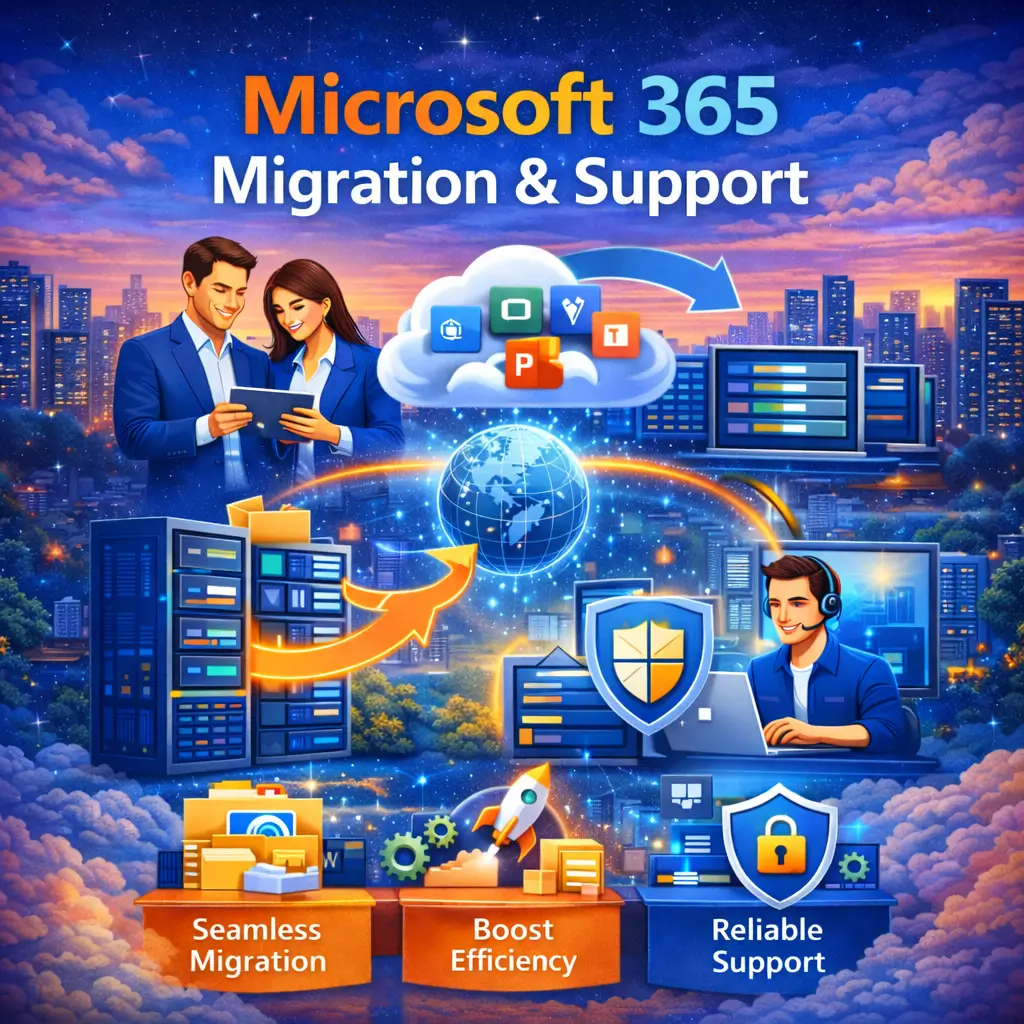
2. Microsoft 365 migration planning and support
Moving from Google Workspace, an older email server or another Microsoft 365 environment requires a plan for the data and applications your team uses.
We scope source systems, mailboxes, files, permissions, licensing, migration methods and handover responsibilities before proposing the work. A migration project can include:
- Exchange migrations
- Data transfer planning
- SharePoint migration
- Teams deployment
- Minimal downtime strategy
- Post-migration optimization
Before cutover, agree on a pilot, employee communications, backups or recovery options, an acceptable interruption window and acceptance checks. Afterward, verify mail flow, sign-ins and representative file access with the people who use them.
Migrations are separately proposed projects. Timing, data coverage and expected downtime depend on the environment. A zero-downtime or loss-free outcome is not guaranteed.
3. Email troubleshooting and ongoing administration
Ongoing support gives employees a defined route for problems and assigns responsibility for routine administration. Depending on the agreed plan, licenses and covered systems, work can include:
- User provisioning & license management
- Security monitoring
- Email troubleshooting
- Teams optimization
- SharePoint administration
- MFA enforcement
- Conditional access policies
- Backup management
- Performance monitoring
Our published plans include Microsoft 365 support and license administration; Microsoft subscriptions are separate. Microsoft 365 backup is included with Blueprint and Leadership and available as a Foundation add-on, within the agreed scope.
Foundation and Blueprint provide covered remote support during business hours. Leadership adds activated 24/7 remote Level 1 intake and troubleshooting for covered incidents. Business hours are Monday–Friday, 8 a.m.–5 p.m. Eastern, excluding holidays; onsite work is during business hours. Response targets follow your agreement.


4. Account security and information protection
A compromised mailbox can expose client information and make a fraudulent payment request look convincing. Account controls, device protection, staff awareness and recovery preparation need to work together.
We review the controls below against your risks, licenses and agreed scope. Not every feature is included with every subscription:
- Multi-factor authentication (MFA)
- Conditional access
- Microsoft Defender setup
- Anti-phishing policies
- Email encryption
- Data loss prevention (DLP)
- Retention policies
- Audit logging
We encourage clients to work toward a Microsoft Secure Score above 80%, reviewing relevant actions and documenting justified exceptions. This is Computerbilities’ improvement target, not a Microsoft guarantee or a substitute for the rest of the security stack.
Keep checking that controls are actually enforced. Training, monitoring, response and tested recovery still matter. Microsoft explains how Secure Score measures security posture and why it cannot guarantee protection from a breach. Security configuration alone does not establish legal or regulatory compliance.
5. Teams, SharePoint and OneDrive file sharing
A project team needs to know where the current file lives, who can change it and how an outside partner gets access. We help plan Teams, SharePoint and OneDrive around those decisions:
- Structure Teams channels effectively
- Improve collaboration workflows
- Integrate project management tools
- Reduce email overload
- Implement secure external sharing
Example: define a project workspace, assign its owner and limit a subcontractor’s access to the files they need. Review guest access as people and projects change.
Microsoft’s sharing guidance describes the permissions choices. We test representative workflows and explain the agreed approach to staff.

Microsoft 365 Support by Industry
Construction Companies
Construction firms rely on:
- Mobile access to blueprints
- Secure document sharing
- Field-to-office communication
- Email reliability
- Teams-based collaboration
Confirm which files field staff need, how revisions are controlled and what happens when connectivity fails. Explore construction IT support and our jobsite file-access guide.
Engineering Firms
Engineering companies need:
- High-volume file storage
- SharePoint structure
- CAD file collaboration
- Secure external sharing
- Email reliability
Large CAD and design files need testing with the actual applications, file-locking requirements and connections in use. Do not assume every design workflow belongs in a synced SharePoint folder. Agree on storage, application-vendor requirements and backup coverage before moving it.
Contracting Businesses
Contractors benefit from:
- Secure mobile access
- Streamlined project communication
- Centralized document management
- Reliable email infrastructure
Start with a practical workflow: office staff publish the approved document, field staff can reach it, and someone owns the permissions and revision process. Compare plan coverage for office and connected field users.
Architecture Firms
Architecture teams need clear ownership of project information. We help define and review:
- Secure client file sharing
- SharePoint optimization
- Backup and data protection
- Project folder governance
Agree on client-sharing permissions, approved revisions, retention and recovery needs. Confirm how design applications use files before changing their storage location. Explore architecture IT support.
Experience with construction and related businesses
Computerbilities was founded in 1995. Our work with construction and related businesses informs the questions we ask about office-to-field access, application requirements and employee training.
Read the Iron Horse Contractors field-access case study and Allied Fire Protection’s recovery and workstation story. These are confirmed IT projects; they are not presented as Microsoft 365 migrations or promised results for your business.
What Client’s Say About us
Responsive Support for Our Team
We can always count on them to be responsive to our needs and do an excellent job.
Carol Cheek
Former Vice PresidentCimarron Homes
Consistent, Trustworthy IT Support
Computerbilities provides excellent response times for all IT issues while maintaining consistent and trustworthy staff.
Travis Woodie
COO/CFOMunicipal Engineering

With Computerbilities You Get What You Pay For
Computerbilities is not the cheapest IT company in the Triangle, but you always get what you pay for and with Computerbilities you get the best.
Jeff Gregorio
CFOWilliams Realty & Building

Reliability and Strong Communication
Reliability is the biggest benefit I have found since moving to Computerbilities. Whenever we call on Adam Pittman and his team, they always respond, and correct our issue immediately.
J.D. Locklear, JR.
PresidentAllied Fire Protection

Excellent Service and Attentiveness to My Account
I want to thank Computerbilities for your excellent service and attentiveness to my account. When needed, they always respond with a positive, helpful and professional attitude.
Tony Nocito
Managing MemberABCOV Companies, LLC

Computerbilities Saves Me Both Time and Money
Computerbilities has benefited my company tremendously by saving me both time and money. I no longer employ a full time IT person, but I am still able to contact someone at a moment’s notice.
Alicia Schautteet
Administrative OfficerSynecor

My Absolute Hero When It Comes To Technology
If there is a problem or issue, Computerbilities has a solution or an answer tailored to my specific problem. They are my absolute hero when it comes to technology.
Bill Aulicino
OwnerCrossroads European Automotive, Inc

It’s Simple; Call Computerbilities
It’s simple; If you want your network and computers to work, call Computerbilities. Because of them, I have a tailored solution for my business.
Nicole Mastmeier
OwnerBlue Diamond Jewelers
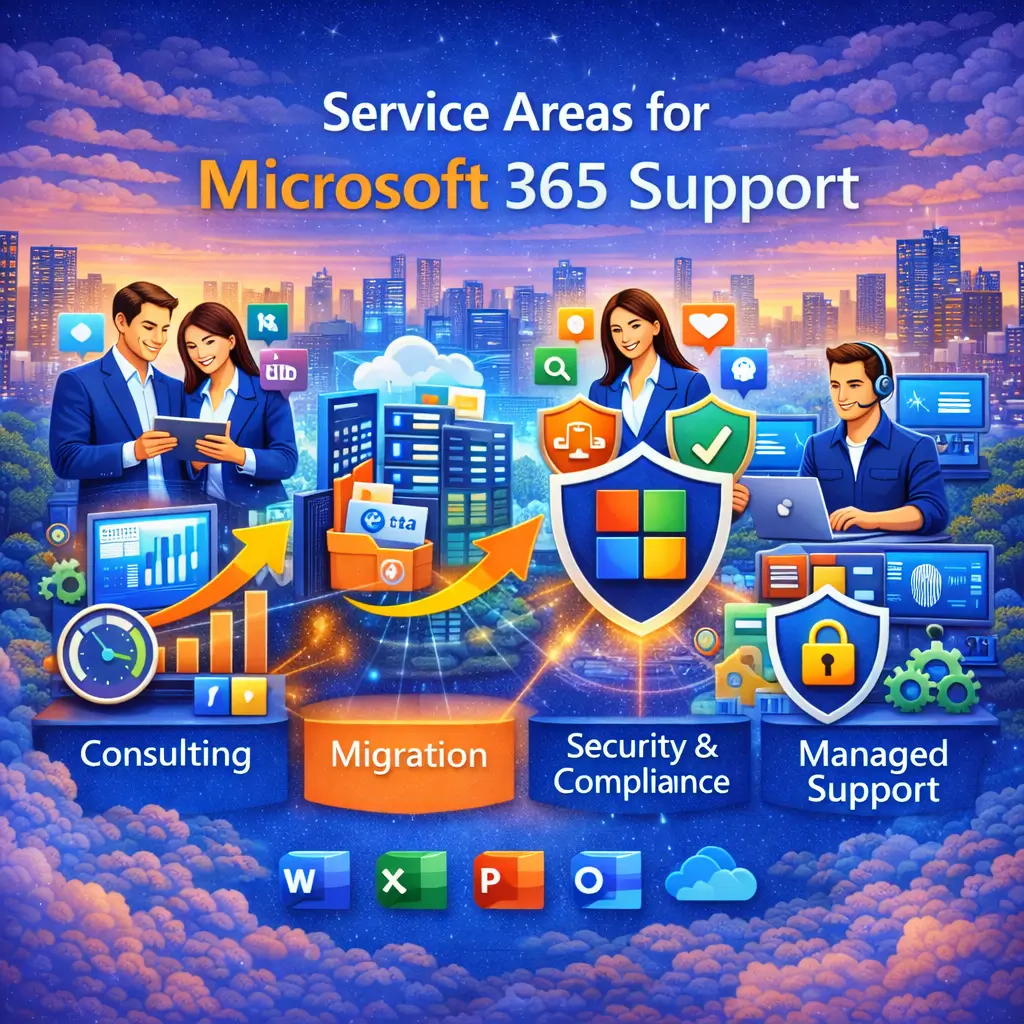
Service Areas for Microsoft 365 Support
Our Cary-based team supports businesses in Raleigh, Cary, Durham and other North Carolina communities.
Remote support and scheduled onsite work depend on the locations and coverage in your agreement. All onsite support takes place during business hours. Tell us where your office and field teams work so we can confirm the appropriate arrangement.
Why Choose Computerbilities for Microsoft 365 Support?
Business context before configuration. We discuss who uses the systems, the work being interrupted and the client information involved.
Defined responsibilities. A managed or co-managed arrangement should identify who approves changes, administers accounts, handles alerts and coordinates vendors.
Clear scope and subscriptions. The proposal identifies covered services, required licenses and separately scoped projects. Buying more licenses is not a substitute for configuring and using the right controls.
Evidence you can review. Explore our client case studies, plan comparison and Adam Pittman’s experience before deciding whether we are a fit.
Benefits of Professional Microsoft 365 Support
We agree on the business outcomes you want to improve and how to check progress. Depending on the work, the goals may include:
- Improved productivity
- Enhanced cybersecurity
- Reduced downtime
- Optimized licensing costs
- Stronger compliance posture
- Better remote collaboration
- Centralized document management
- Scalable growth infrastructure
Judge the work by agreed checks: can the right people reach the right information, are access changes documented, and can covered data be recovered? Results depend on the environment, configuration and ongoing responsibilities.
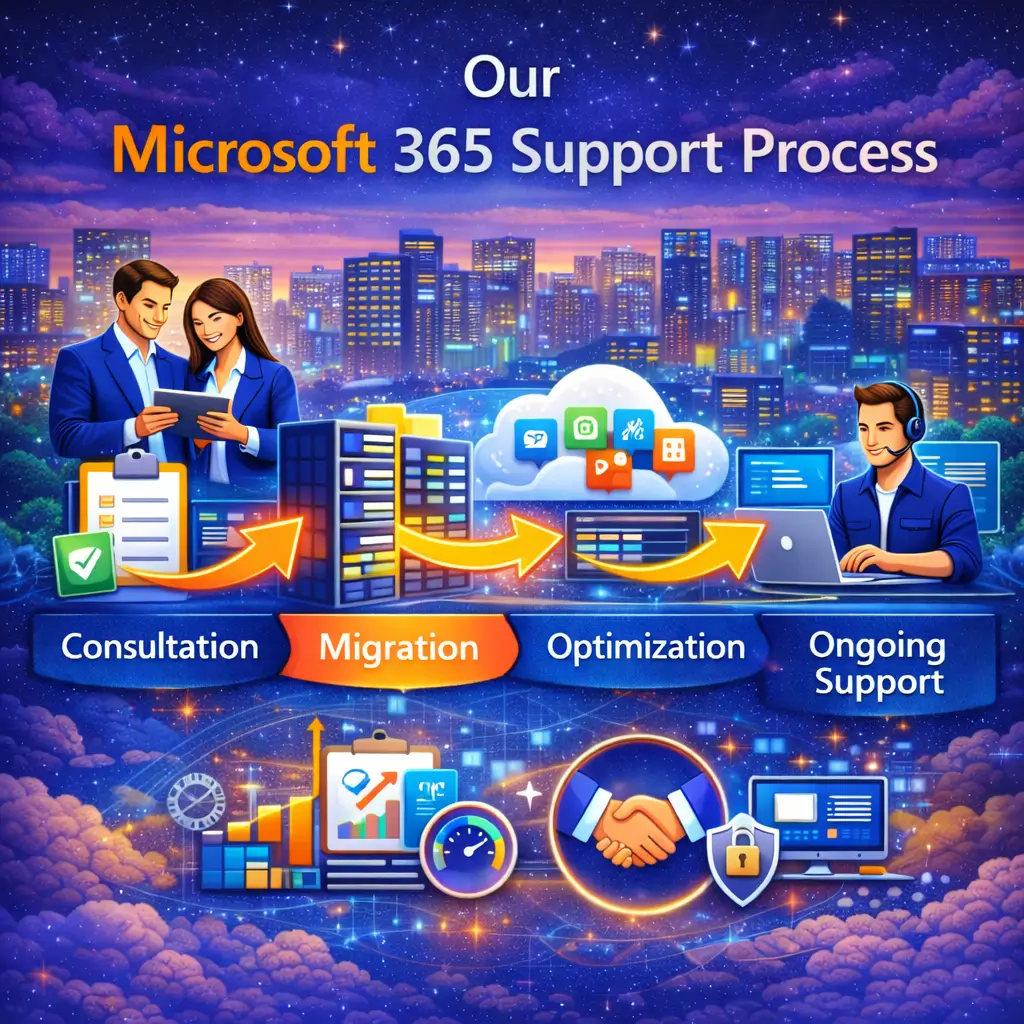
Our Microsoft 365 Support Process
1. Discuss your priorities. Start with a free 15-minute IT Priorities Call. We email a brief summary of up to three priorities or questions to investigate and a recommended next step. No system access is needed.
2. Scope the investigation or project. Identify the users, tenant, mailboxes, files, applications, licenses and business impact. Detailed assessments, migrations and major deployments are separately proposed.
3. Plan and verify the change. Agree on permissions, approvals, a pilot where appropriate, recovery options and an interruption window. Test outcomes with representative users.
4. Set the ongoing responsibilities. Document support coverage, onboarding and offboarding, account ownership, backup scope, escalation and review cadence.
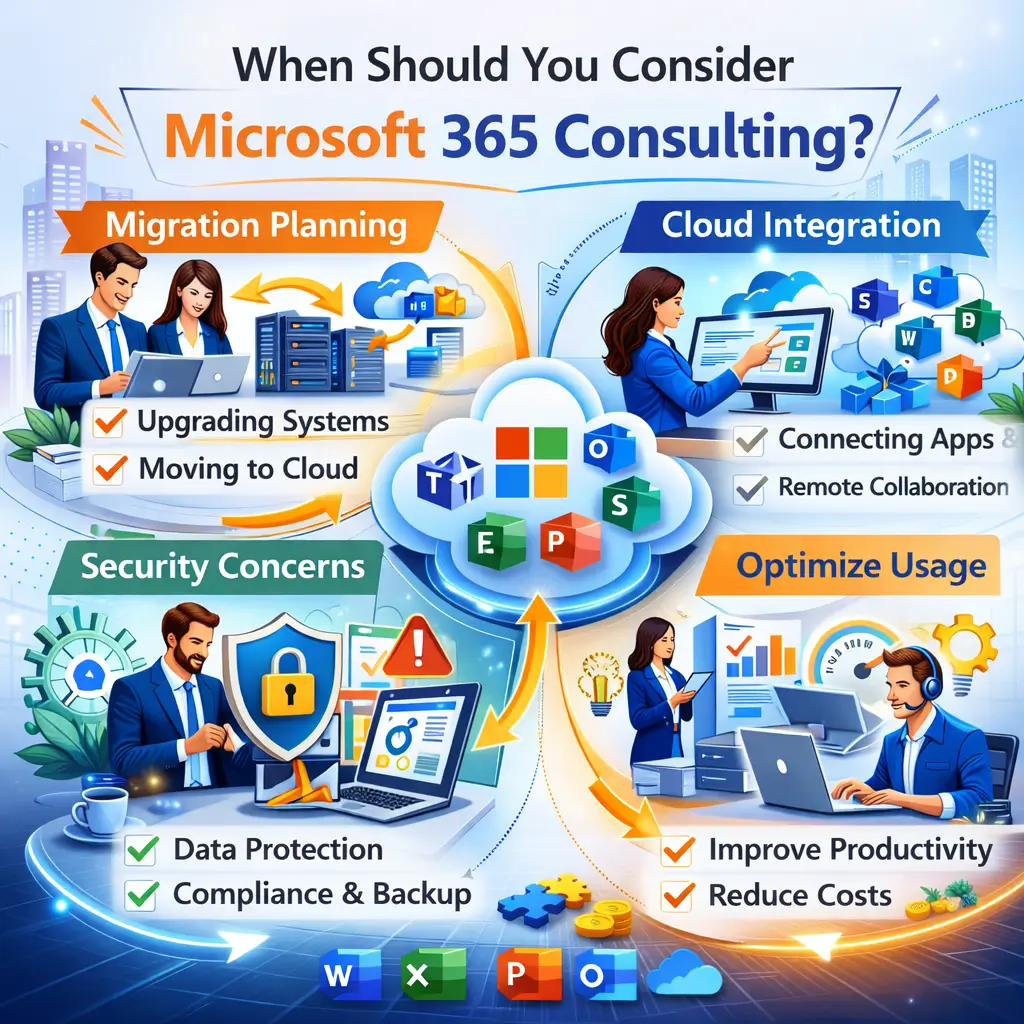
When Should You Consider Microsoft 365 Consulting?
You may need help if:
- Your email security feels weak
- Users complain about Teams confusion
- You recently migrated but issues persist
- You lack backup assurance
- You’re unsure about compliance policies
- Licenses feel over-complicated
- Growth requires scaling infrastructure
You do not need to diagnose the technical cause first. Tell us who is affected, what changed and what the business needs to do next. Avoid sending passwords, confidential files or security codes through a general inquiry form.
Partner with Trusted Microsoft 365 Experts in North Carolina
If email, account access or shared files are getting in the way of work, start with a conversation. The free 15-minute IT Priorities Call includes a brief written follow-up with up to three priorities or questions to investigate and a recommended next step.
No cost, no obligation to purchase and no system access required. Detailed assessments and technical work are separately scoped. Review plan coverage before the call if that helps you compare options.
Frequently Asked Questions (FAQs)
-
What does Microsoft 365 support include?
The agreement identifies covered users, systems and responsibilities. Work can include account administration, email troubleshooting, sharing permissions and security configuration. Migrations, detailed assessments and major deployments are separately proposed. Microsoft subscriptions and optional services must be identified in the proposal.
-
Do you offer Microsoft 365 support in Raleigh, Cary, and Durham?
Yes. Our Cary-based team supports businesses in Raleigh, Cary, Durham and other North Carolina communities. Remote coverage and scheduled onsite visits depend on the agreed locations and plan. All onsite support is during business hours.
-
What is the difference between consulting and ongoing support?
Consulting is a scoped investigation or planning project with defined questions and deliverables. Ongoing managed or co-managed support assigns routine administration, covered incident support and escalation responsibilities. A project does not automatically include ongoing coverage, and a support plan does not include every project.
-
Can you help migrate from Google Workspace or an older email system?
Yes. We first scope source data, mailboxes, files, applications, licensing and access requirements. The proposal defines migration methods, timing, responsibilities and acceptance checks. We plan for disruption and recovery; zero downtime or a loss-free migration is not guaranteed.
-
How does Microsoft Secure Score fit into security?
We encourage clients to work toward a Microsoft Secure Score above 80%, reviewing relevant recommendations and documenting justified exceptions. The score is an important progress measure within a wider security stack, not a guarantee against a breach. Enforced account controls, device protection, training, monitoring, response and tested recovery remain necessary.
-
Are Microsoft licenses and backups included?
Our published support plans include Microsoft 365 support and license administration; Microsoft subscriptions are separate. Microsoft 365 backup is included with Blueprint and Leadership and available as a Foundation add-on within the agreed scope. Confirm the protected accounts and data, retention and restore responsibilities in your proposal.
-
Can you help with Teams, SharePoint, OneDrive and business applications?
We help plan and troubleshoot covered Microsoft 365 collaboration workflows. Application-specific work depends on the agreed scope and vendor requirements. CAD and other large-file workflows need testing before a move to synced cloud folders. Third-party application changes or integrations may require a separate project or the software vendor’s support.
-
What should we check when changing Microsoft 365 providers?
Before the handover, confirm your organization’s tenant and domain ownership, authorized administrator access, billing and license commitments, backup ownership and recovery access. Agree on documentation, open issues, the change window and how the departing provider’s access will be removed. Never send passwords or security codes through a general inquiry form.
Not Ready To Call Us Just Yet

Get Your Free Report
Get our FREE report and learn the critical questions every construction and engineering business should ask before signing a tech support contract. Protect your business and avoid costly mistakes.
DOWNLOAD YOUR FREE COPY NOW